Build a Crypto Portfolio Dashboard: Real-Time P&L & Metrics

If you're running multiple crypto trading bots across several assets, staring at raw exchange screens is not a strategy — it's noise. A purpose-built crypto portfolio dashboard gives you a single, structured view of what's actually happening: where your capital sits, how your bots are performing, and whether your risk is concentrated somewhere it shouldn't be. This guide walks you through exactly what to build, what data to include, and how to get it live without writing a line of code.
What Is a Crypto Portfolio Dashboard?
A crypto portfolio dashboard is a unified interface that aggregates trading data — balances, open positions, trade history, and performance metrics — from one or more exchange accounts into a single, readable view. Rather than logging into each exchange separately, you see everything in one place: current asset values, profit and loss across time horizons, allocation percentages, and bot-level statistics.
For active algorithmic traders, a dashboard isn't optional. It's the control panel that separates deliberate decision-making from reactive guesswork.
This matters especially when you're running automated strategies. Bots execute trades around the clock; without a consolidated view, it's easy to miss a bot that has drifted off-strategy or an asset that has ballooned to 40% of your portfolio due to a price surge.
What Features Should a Crypto Portfolio Dashboard Have?
This is one of the most common questions traders ask before building or choosing a tool. The answer depends on whether you're a passive holder or an active bot trader — but the core feature set is consistent:
- Unrealized P&L — the current gain or loss on open positions, marked to live market prices.
- Realized P&L — locked-in profits and losses from closed trades, broken down by day, week, and month.
- Asset allocation chart — a percentage breakdown (ideally a visual pie or bar chart) showing how capital is distributed across coins and strategies.
- Trade history log — a timestamped record of every executed trade, filterable by bot, asset, or date range.
- Win/loss ratio — the proportion of profitable trades versus losing trades per bot or per asset pair.
- Maximum drawdown — the largest peak-to-trough decline in portfolio value over a selected period; a key risk indicator.
- Bot-level performance panel — individual statistics for each running strategy so you can compare them side by side.
- Price/alert indicators — live price feeds with configurable threshold highlights.
A well-designed dashboard surfaces all of these without overwhelming you. Prioritize clarity over density: a clean table of bot performance plus a single allocation chart is more actionable than a wall of numbers.
How Do I Track All My Crypto Investments in One Place?
The practical answer is to connect your exchange data to a central application through a secure intermediary — in this case, your Cryptohopper account. Here's the sequence:
- Link your exchange to Cryptohopper (via Cryptohopper.com) using the exchange's API key. Cryptohopper stores and manages that key.
- Connect your Cryptohopper account to your dashboard app via OAuth. This means your dashboard never touches the raw exchange API key — it only sees what Cryptohopper exposes through its authenticated session.
- Pull live data into your dashboard. Balances, open positions, trade history, and bot statistics all flow through that secure connection.
This architecture is important. Your exchange API keys stay inside Cryptohopper's infrastructure; your dashboard application only receives the data it needs at runtime. Nothing sensitive ever appears in generated code or application logs.
How Do I Connect My Exchange to a Crypto Portfolio Dashboard?
When you build with Cryptohopper.AI, the OAuth flow handles exchange connectivity automatically. You don't configure API keys inside your dashboard project. Instead:
- You authenticate your Cryptohopper account once through the platform's OAuth integration.
- Your generated dashboard app is granted scoped access to your Cryptohopper data (positions, history, bot stats).
- Any project secrets — such as third-party API keys you choose to add — are encrypted at rest using KMS and injected at runtime, never embedded in the application code itself.
This means a compromised dashboard URL cannot leak your exchange credentials. The separation of concerns is built into the platform.
What Is the Difference Between a Crypto Portfolio Tracker and an Exchange?
A crypto exchange is where trades actually execute — it holds your funds and matches buy/sell orders. A crypto portfolio tracker or dashboard is a read-oriented reporting layer that aggregates data from one or more exchanges to give you a consolidated performance view. The tracker does not hold funds, does not place orders on its own, and is not a custodian.
Cryptohopper.AI sits in this second category: it is an AI-powered builder that generates and hosts software tools. It does not execute trades or hold funds. Trade execution still happens through your connected exchange via your Cryptohopper account.
Building Your Dashboard with Cryptohopper.AI
Cryptohopper.AI lets you describe the dashboard you want in plain language, then generates and deploys the application automatically. Here's what that looks like in practice:
Describe your dashboard in natural language
You might type something like: "Build me a portfolio dashboard that shows my total portfolio value in USD, a pie chart of asset allocation, realized and unrealized P&L for the last 7 and 30 days, a table of my last 50 trades with win/loss highlighted, and a per-bot performance summary."
Cryptohopper.AI interprets that description, generates the application code, and deploys it — no manual deploy step required. Deployment is automatic and continuous as you iterate and refine.
Your app is live on a cryptohopper.app subdomain
Once generated, your dashboard is immediately accessible at a free <your-project>.cryptohopper.app subdomain. You can share this URL, bookmark it, or embed it in a browser tab that stays open while you trade.
Add a custom domain for a professional finish
If you want your dashboard at dashboard.yourdomain.com instead of the default subdomain, Cryptohopper.AI supports custom domains. DNS validation and SSL certificate provisioning are handled automatically — you point your DNS records as instructed, and HTTPS is configured for you.
Having your dashboard on a custom domain with SSL isn't just cosmetic — it's a signal that your infrastructure is organized, which matters when you're managing serious capital or collaborating with others.
Best Practices for Reading Your Dashboard Signals
Building the dashboard is step one. Using it well is the other half. A few principles for active bot traders:
Spot overexposed positions early
If a single asset represents more than 30–40% of your portfolio value, your risk is concentrated. This isn't inherently wrong — but it should be a deliberate choice, not an accidental drift caused by a bot accumulating a position without a size cap.
Identify underperforming bots by win/loss ratio and drawdown
A bot with a 35% win rate and a high average loss per trade is eroding capital even if it looks busy. Compare each bot's realized P&L against its drawdown. A bot that makes modest gains but draws down 20% to get there may be riskier than its P&L suggests.
Know when to pause a strategy
Watch for bots whose realized P&L has trended negative for more than a consistent run of trades. A deteriorating trend — not a single bad day — is the signal worth acting on. Pausing a strategy is a neutral operational decision based on observed data; it is not a prediction about the market.
Note: nothing in this guide constitutes financial or investment advice. Crypto trading involves substantial risk of loss. All examples are illustrative.
Is There a Free Crypto Portfolio Tracking Dashboard?
With Cryptohopper.AI, every Cryptohopper subscription plan includes monthly AI Credits, which means you can generate and host a portfolio dashboard as part of your existing plan — no separate SaaS subscription required. The generated app is hosted on the platform's multi-tenant AWS infrastructure at a free cryptohopper.app subdomain. Active Cryptohopper subscription required to build and refine projects.
What Is the Best Crypto Portfolio Dashboard?
The best crypto portfolio dashboard is the one built specifically for your strategies. A generic tracker shows you balances; a custom-built dashboard shows you bot-level win rates, drawdown curves, asset allocation relative to your target weights, and P&L segmented by strategy. Generic tools make useful starting points, but they rarely surface the bot-specific signals that matter most to algorithmic traders.
Wrapping Up
A well-built crypto portfolio dashboard transforms scattered exchange data into actionable clarity: you see your P&L honestly, your allocation intentionally, and your bot performance objectively. Cryptohopper.AI makes it practical to build exactly this kind of tool — describe what you need, connect your Cryptohopper account securely via OAuth, and your dashboard is deployed and live within minutes. Start with the core metrics outlined here, iterate as your strategies evolve, and let the data guide your operational decisions rather than instinct alone.
Frequently asked questions
What is the best crypto portfolio dashboard?
The best crypto portfolio dashboard is one tailored to your specific trading strategies. Generic trackers show balances and basic P&L, but a custom-built dashboard can surface bot-level win rates, drawdown curves, per-strategy realized P&L, and asset allocation versus your target weights — giving algorithmic traders far more actionable insight than off-the-shelf tools.
How do I track all my crypto investments in one place?
Connect your exchange to a platform like Cryptohopper, which aggregates your positions and trade history. Then build or use a portfolio dashboard that pulls data from that account via OAuth. This gives you a single, consolidated view of all balances, open positions, and performance metrics without logging into each exchange separately.
What features should a crypto portfolio dashboard have?
A solid crypto portfolio dashboard should include unrealized and realized P&L (daily, weekly, monthly), an asset allocation breakdown, a full trade history log, win/loss ratio per bot or asset pair, maximum drawdown over selectable periods, and a bot-level performance comparison panel. Live price feeds and configurable alerts add further value for active traders.
Is there a free crypto portfolio tracking dashboard?
Cryptohopper.AI lets you generate and host a portfolio dashboard using the AI Credits included in any active Cryptohopper subscription plan. The app is hosted for free at a cryptohopper.app subdomain. You do not need a separate paid SaaS subscription — your Cryptohopper plan covers it.
How do I connect my exchange to a crypto portfolio dashboard?
The recommended approach is to connect your exchange to Cryptohopper using the exchange's API key, then link your Cryptohopper account to your dashboard via OAuth. This means your raw exchange API key stays inside Cryptohopper's secure infrastructure and is never embedded in your dashboard application or exposed in its logs.
What is the difference between a crypto portfolio tracker and an exchange?
A crypto exchange holds your funds and executes trades. A crypto portfolio tracker or dashboard is a read-oriented reporting tool that aggregates data from one or more exchanges to give you a consolidated performance view. It does not hold funds, place orders, or act as a custodian — it only reads and displays your trading data.
Subscribe to the Cryptohopper newsletter
New posts, product updates, and the occasional lesson — straight to your inbox.
We'll never share your email. Unsubscribe anytime.
Related articles

Crypto P&L Dashboard: A Practical Building Guide for Real-Time Portfolio Tracking
Learn what a crypto P&L dashboard is, which metrics matter most, and how to build a live dashboard that tracks open positions, realized gains, and portfolio performance — no coding required.
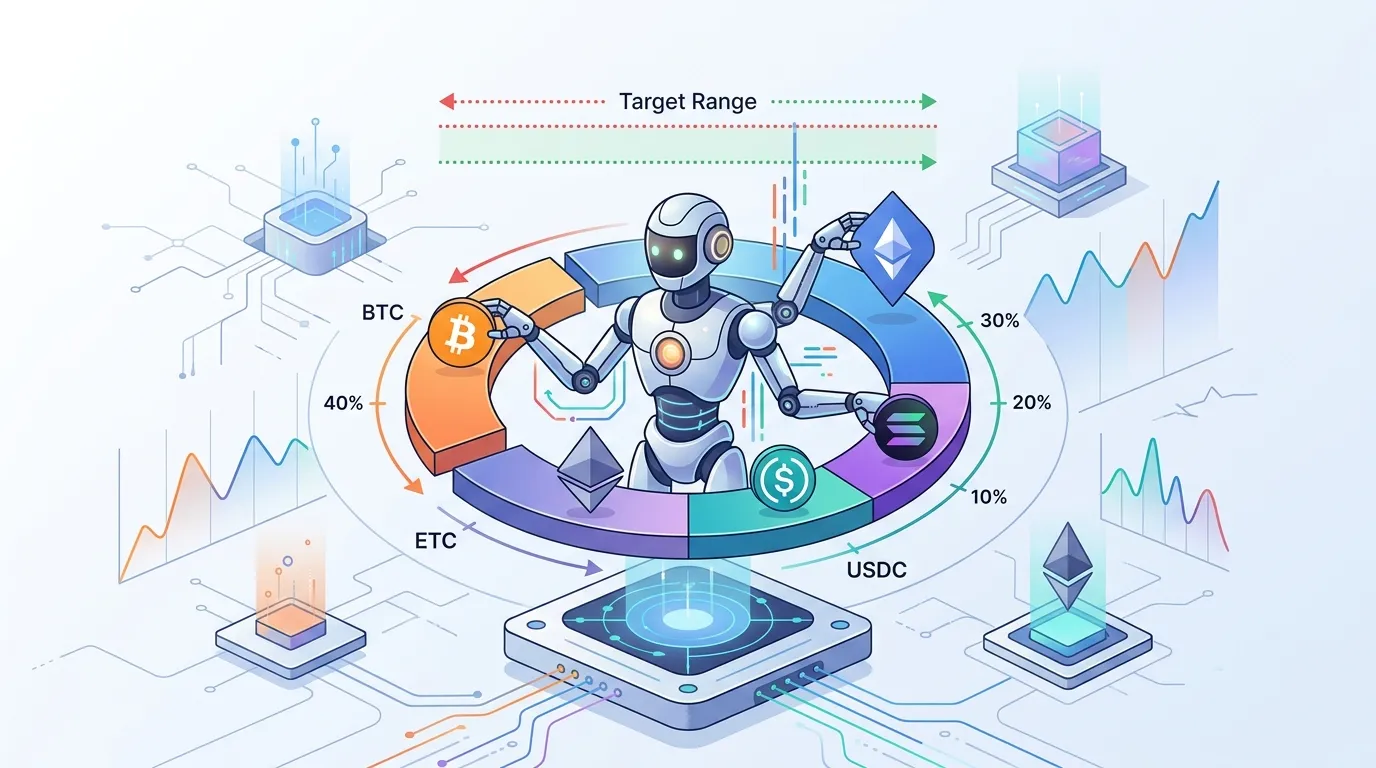
Crypto Portfolio Rebalancing Bot: A Complete Builder's Guide
Learn how a crypto portfolio rebalancing bot works, which strategies to use, and how to build one with threshold-based triggers that automatically maintain your target asset allocations.
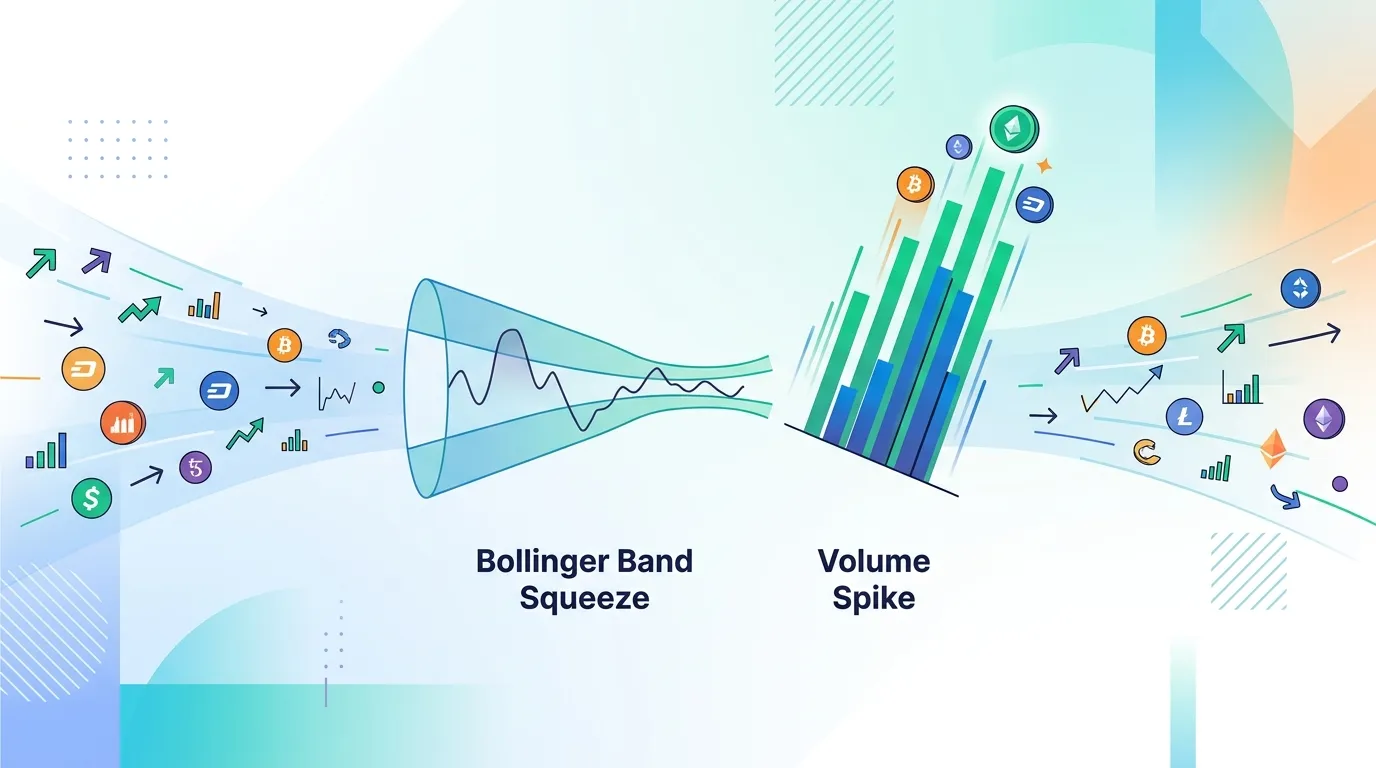
Crypto Market Screener Bot: Bollinger Band Squeeze & Volume Spike Guide
Learn how to build a crypto market screener bot that automatically surfaces high-probability setups by filtering coins on Bollinger Band squeezes and volume spikes.