Crypto Market Screener for Trading Bots: A Practical Build Guide
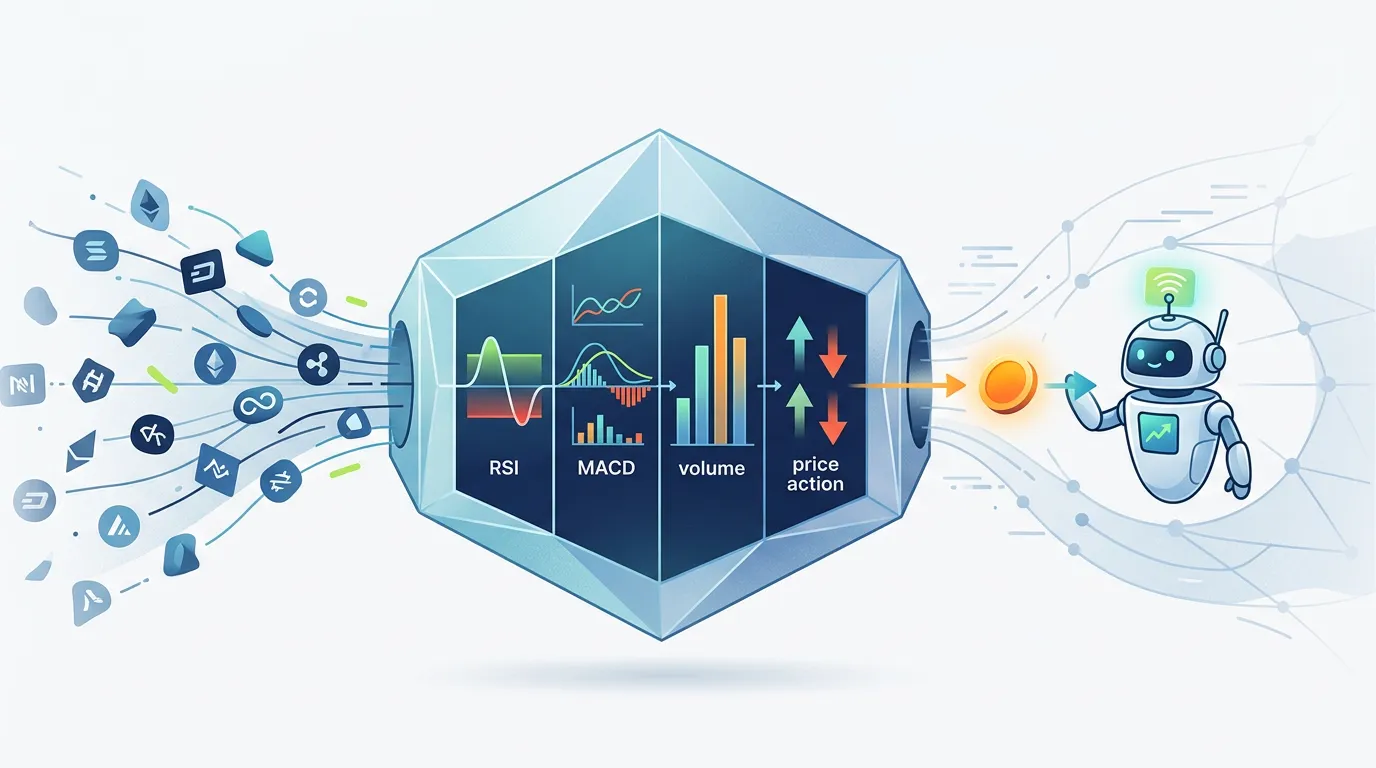
Most crypto traders don't have a signal problem — they have a noise problem. With thousands of tradable assets across dozens of exchanges, spotting the handful that match your bot's entry criteria in real time is nearly impossible to do by hand. A purpose-built crypto market screener for trading bots solves exactly that: it compresses a universe of assets into an actionable shortlist, automatically, before a single automated order is ever considered.
This guide walks you through what a screener actually is, which indicators belong inside it, how its output connects to bot logic, and how to build one without writing a line of code yourself.
The short answer: A crypto market screener for trading bots is a tool that scans assets in real time against indicator thresholds — RSI levels, MACD crossover state, volume multiples, and price-action patterns — and surfaces only the assets that satisfy every condition simultaneously. The screener output then feeds bot entry logic directly, so automated orders are only considered when conditions genuinely align.
What Is a Crypto Market Screener and Why Does It Matter for Bot Traders?
A crypto market screener is a filtering engine. You define a set of conditions — for example, "RSI below 35, MACD line just crossed above the signal line, and 24-hour volume at least 2× the 30-day average" — and the screener sweeps every asset in your watchlist, flagging the ones that pass all conditions at that moment.
For manual traders, screeners reduce research time. For bot traders, the stakes are higher: your automated system may be configured to act on signals immediately, so every false signal is a potential wasted trade or an unwanted position. A well-constructed screener is the pre-filter layer that protects bot logic from low-quality setups.
The key distinction is filtering noise versus surfacing actionable signals. Without a screener, a bot evaluates every asset it's allowed to trade. With one, it only evaluates assets that already pass a multi-condition test — a fundamentally different (and more precise) starting point.
What Indicators Should a Crypto Screener Use for Automated Trading?
Four indicator categories cover the vast majority of bot entry strategies. Used together, they cross-validate each other and reduce false positives substantially.
1. RSI — Identifying Oversold and Overbought Conditions
The Relative Strength Index (RSI) measures momentum on a 0–100 scale. Classic thresholds treat readings below 30 as oversold (potential long-entry zone) and above 70 as overbought (potential short or exit zone). For screeners feeding DCA bots, an RSI filter of < 35 on the daily or 4-hour timeframe is a common starting layer — it isolates assets where downward momentum may be exhausting.
2. MACD — Spotting Momentum Crossovers
The Moving Average Convergence Divergence (MACD) indicator generates a signal when its fast line crosses its slow line. A bullish crossover (MACD line crossing above the signal line) in negative territory (below zero) is frequently used as a secondary confirmation filter. Screening for this crossover in combination with an oversold RSI removes many of the false MACD signals that occur during strong downtrends.
3. Bollinger Band Squeezes — Catching Volatility Breakouts
When Bollinger Bands narrow (a "squeeze"), it signals compressed volatility that historically precedes a significant price move. Screeners can measure band width as a percentage of price and flag assets where it falls below a defined threshold. Pairing a squeeze condition with a volume spike filter helps distinguish imminent breakouts from extended sideways chop.
4. Volume Spikes — Confirming Conviction
Price moves without volume are suspect. A volume filter — for example, current 1-hour volume exceeding 150% of the 20-period average — confirms that a signal has market participation behind it. Volume is arguably the most underused screener dimension and one of the most effective at filtering out low-liquidity false moves.
Combining RSI, MACD, Bollinger, and volume into a single screener pass means an asset must satisfy all four dimensions before it's flagged — a multiplicative filter that is far more selective than any single indicator alone.
How Do Trading Bots Use Crypto Screeners to Find Opportunities?
The connection between a screener and a bot is conceptually simple: screener output becomes bot input. Here's how that pipeline typically works:
- Screener runs on a schedule (e.g., every 5 or 15 minutes) against a defined watchlist of 50–200 assets.
- Assets passing all filters are added to a "candidate" list — these are the only assets the bot will evaluate for entry.
- Bot entry logic fires for each candidate, checking position sizing, available capital, existing open trades, and any risk-management rules.
- Order is placed (via the connected exchange through Cryptohopper) only if all bot-side checks also pass.
- Screener refreshes and removes or adds assets on the next cycle.
This means the screener is a gate, not a trigger. The bot still applies its own logic; the screener just ensures it's only spending that logic on high-quality setups.
Step-by-Step: Building a Custom Screener with Cryptohopper.AI
Cryptohopper.AI is an AI-powered builder where you describe the tool you want in plain language and it generates and deploys the application for you — no coding required.
Here's how a screener build session typically goes:
-
Connect your Cryptohopper account. Cryptohopper.AI uses OAuth to link your existing Cryptohopper account, so your screener can access market data securely through your connected exchange.
-
Describe your screener in plain language. For example: "Build a crypto screener that scans BTC, ETH, and the top 50 altcoins by market cap every 10 minutes. Flag any asset where RSI (14) on the 4-hour chart is below 35, the MACD has crossed bullish in the last two candles, and 1-hour volume is at least 1.5× the 20-period average. Show results in a sortable table with current price and percent change."
-
Review and refine. Cryptohopper.AI generates the tool and deploys it automatically to a
<your-project>.cryptohopper.appsubdomain. If you want to add a Bollinger Band squeeze filter or change the RSI threshold to 40, you describe the change conversationally and it updates continuously — there's no manual deploy step. -
Use the screener output alongside your bot. Cross-reference the candidate list the screener surfaces with your active Cryptohopper bot configuration. Treat every flagged asset as a candidate to investigate, not an automatic buy signal.
-
Iterate based on real results. After running for a week, if you're seeing too many false positives, tighten a threshold. Too few signals? Loosen one filter at a time and observe the effect.
How Do I Filter Crypto Signals for Bot Trading Strategies?
Filtering effectively comes down to layering conditions that address different market dimensions — momentum, trend direction, volatility state, and volume. Here's a practical framework:
- Layer 1 — Momentum gate: RSI below 35 (long bias) or above 65 (short bias)
- Layer 2 — Trend confirmation: MACD bullish or bearish crossover within the last 2 candles
- Layer 3 — Volatility context: Bollinger Band width below the 20th percentile of the last 90 days (squeeze condition)
- Layer 4 — Volume confirmation: Current bar volume > 1.5× the 20-period average
- Layer 5 — Price-action filter (optional): Asset is above its 200-period moving average for long setups
Every layer you add reduces signal frequency and increases selectivity. Start with Layers 1–2, validate results, then add Layers 3–4 to tighten quality further.
Are There Free Crypto Market Screeners Compatible with Trading Bots?
General-purpose tools like TradingView's screener offer RSI and MACD filtering for free, but they aren't purpose-built for bot integration — you'd need to manually transfer signals, which defeats the automation goal. Purpose-built screeners that natively connect to bot logic are rarer and often require a subscription or custom build.
Building your own screener with Cryptohopper.AI and connecting it to your Cryptohopper account is a practical middle ground: the screener is tailored to your exact strategy, deployed automatically, and lives alongside your bot workflow. Active Cryptohopper subscriptions include monthly AI Credits to build and iterate on tools like this.
Common Screener Pitfalls and How to Fix Them
Even a well-designed screener can mislead if you fall into these patterns:
- Single-indicator screening: An RSI-only screener will flag dozens of assets in a broad market selloff — nearly all of them still falling. Always require at least two independent indicators to agree.
- Ignoring timeframe alignment: A bullish MACD on the 15-minute chart means very little if the daily RSI is deeply overbought. Screen on your bot's trading timeframe, not a shorter one.
- Static thresholds in changing markets: A threshold that worked in a ranging market may produce constant false signals in a trending one. Revisit thresholds quarterly, or build adaptive ones into your screener from the start.
- No backtesting cross-reference: A screener tells you what conditions exist right now. Before acting on its output, verify that historically similar setups on those assets produced results consistent with your strategy. Cryptohopper's backtesting tools can help here.
- Over-filtering to zero signals: Adding too many conditions can leave you with a screener that almost never fires. If your screener hasn't flagged a single asset in two weeks, start removing the least-reliable layer first.
Iterative refinement is the screener-builder's core discipline. The first version of your screener is a hypothesis. Every week of live data is a test of that hypothesis.
Wrapping Up
A crypto market screener for trading bots is one of the highest-leverage tools a systematic trader can build. By filtering assets through RSI, MACD, Bollinger Band, and volume conditions before bot logic even runs, you dramatically improve the quality of the setups your automation ever sees. Start with two or three indicator layers, validate with real data, and iterate. Cryptohopper.AI makes the build-and-refine loop fast — describe your screener in plain language, get a deployed tool in minutes, and evolve it continuously as your strategy sharpens. Remember: no screener eliminates risk, but a well-tuned one ensures your bot is working from better raw material.
Frequently asked questions
What is the best crypto market screener for trading bots?
The best crypto market screener for trading bots is one purpose-built around your specific strategy's entry conditions. Generic screeners like TradingView's are useful for manual research but aren't natively wired to bot logic. Purpose-built screeners — generated with a tool like Cryptohopper.AI and connected to your Cryptohopper account — let you define exact RSI, MACD, volume, and price-action thresholds and surface only the assets that satisfy every condition simultaneously, in a format your bot workflow can actually use.
How do trading bots use crypto screeners to find opportunities?
Trading bots use crypto screeners as a pre-filter layer. The screener runs on a schedule, scans a watchlist of assets against indicator conditions (such as RSI below 35 and a MACD bullish crossover), and produces a candidate list. The bot then applies its own entry logic — position sizing, open-trade limits, risk rules — only to those candidates. This means the bot spends its logic on higher-quality setups rather than evaluating every tradable asset indiscriminately.
Can I integrate a crypto screener API with my trading bot?
Yes. A custom screener can expose its results via an API endpoint or webhook, which your bot polls or listens to before deciding whether to open a position. When you build a screener with Cryptohopper.AI and link it to your Cryptohopper account via OAuth, the screener's output can feed directly into your Cryptohopper bot configuration, removing the need to manually transfer signals between separate tools.
What indicators should a crypto screener use for automated trading?
The four most effective indicator categories for a bot-focused screener are: RSI (to identify oversold or overbought momentum), MACD crossovers (to confirm trend direction changes), Bollinger Band squeezes (to flag compressed volatility before breakouts), and volume spikes (to confirm conviction behind a price move). Requiring an asset to satisfy conditions across all four dimensions simultaneously creates a multiplicative filter far more selective than any single indicator.
Are there free crypto market screeners compatible with trading bots?
General-purpose tools like TradingView's screener are free and support RSI and MACD filtering, but they require manual signal transfer — which undermines automation. Purpose-built screeners with native bot integration are less common and typically require a subscription or custom development. Building your own screener via Cryptohopper.AI using AI Credits included with an active Cryptohopper subscription is a practical way to get a fully customized, bot-compatible screener without starting from scratch.
How do I filter crypto signals for bot trading strategies?
Filter in layers, with each layer addressing a different market dimension: start with a momentum gate (RSI threshold), add a trend confirmation (MACD crossover), then a volatility-state filter (Bollinger Band squeeze), and finally a volume confirmation (current volume versus a moving average). Each additional layer reduces signal frequency and raises quality. Validate your threshold choices against historical data using backtesting before relying on the screener for live bot input.
Subscribe to the Cryptohopper newsletter
New posts, product updates, and the occasional lesson — straight to your inbox.
We'll never share your email. Unsubscribe anytime.
Related articles
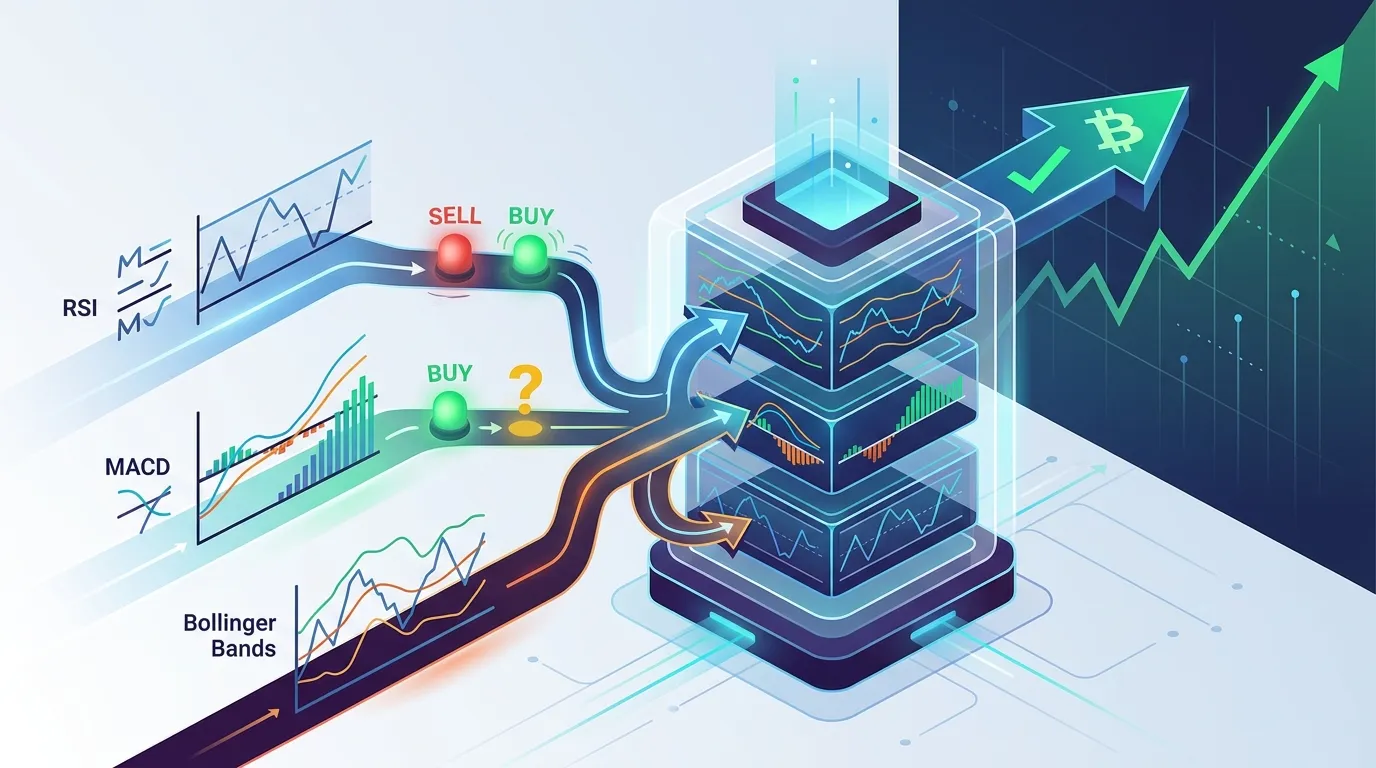
Crypto Trading Bot Signals: RSI, MACD & Bollinger Bands Guide
Learn how crypto trading bot signals RSI, MACD, and Bollinger Bands each work, why single-indicator bots fail, and how combining all three into confirmation layers builds a more robust automated strategy.

Crypto Portfolio Rebalancing Bot: A Complete Builder's Guide
Learn how a crypto portfolio rebalancing bot works, which strategies to use, and how to build one with threshold-based triggers that automatically maintain your target asset allocations.
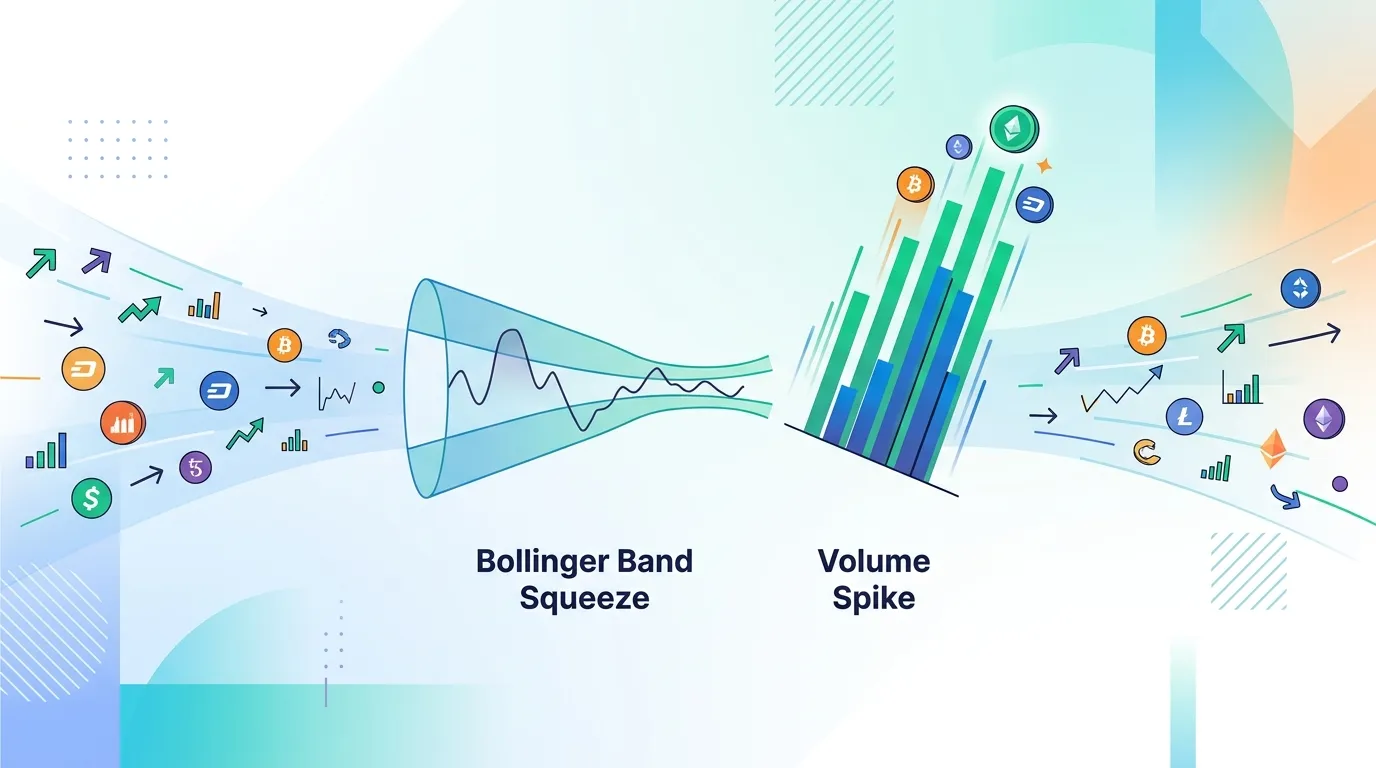
Crypto Market Screener Bot: Bollinger Band Squeeze & Volume Spike Guide
Learn how to build a crypto market screener bot that automatically surfaces high-probability setups by filtering coins on Bollinger Band squeezes and volume spikes.